Here is a small guide (only for Win 10) that helped me. (It may not help everyone).
All changes are at your own risk.
Important !!! – First close all programs –
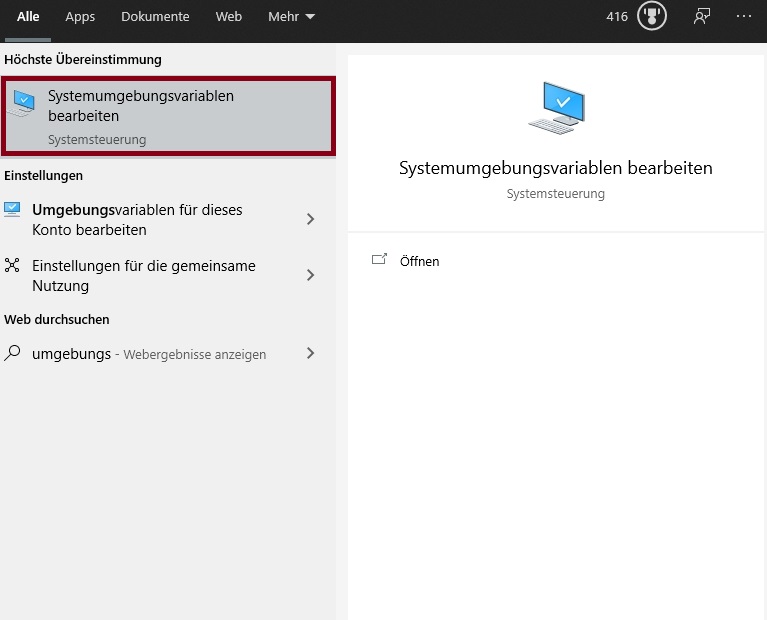
- Enter “Environment variables” in the search bar at the bottom left and start
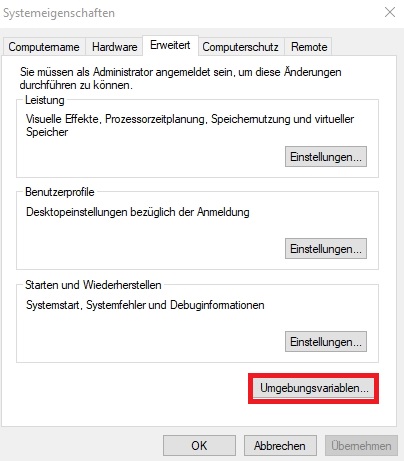
2. click on Environment variables
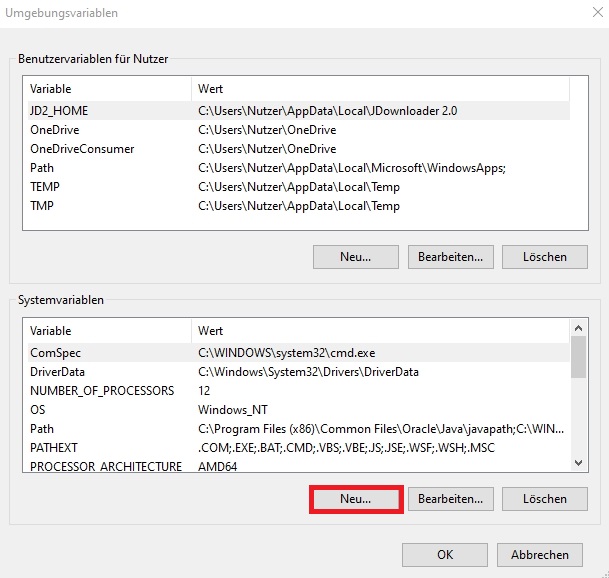
3. click on “New” in the lower area (system variables)
4. first assign a name and then click on “Search file”
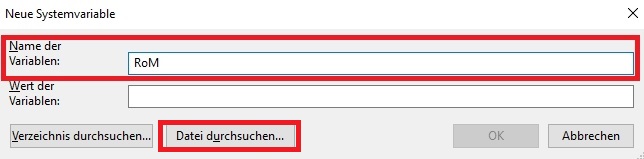
5. navigate to your installation directory of RoM and search for the file “Client.exe.ini” !!!! Important. This is not the application file but the configuration file !!!
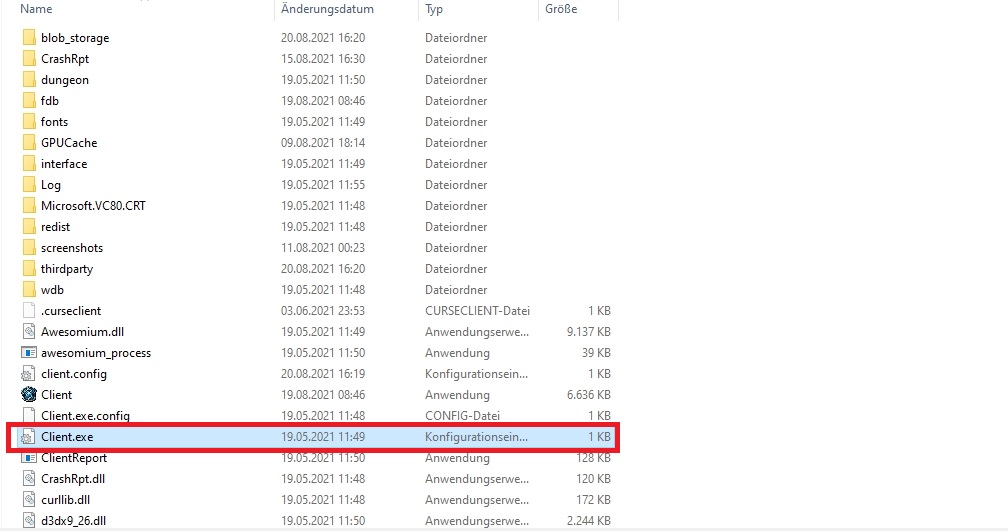
6. it should then look like this
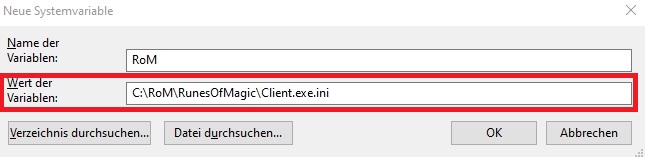
7. confirm all windows with “Ok” and then shut down and restart the computer (please do not perform a quick start)
Now the error should no longer occur. In any case, it has already helped several people.